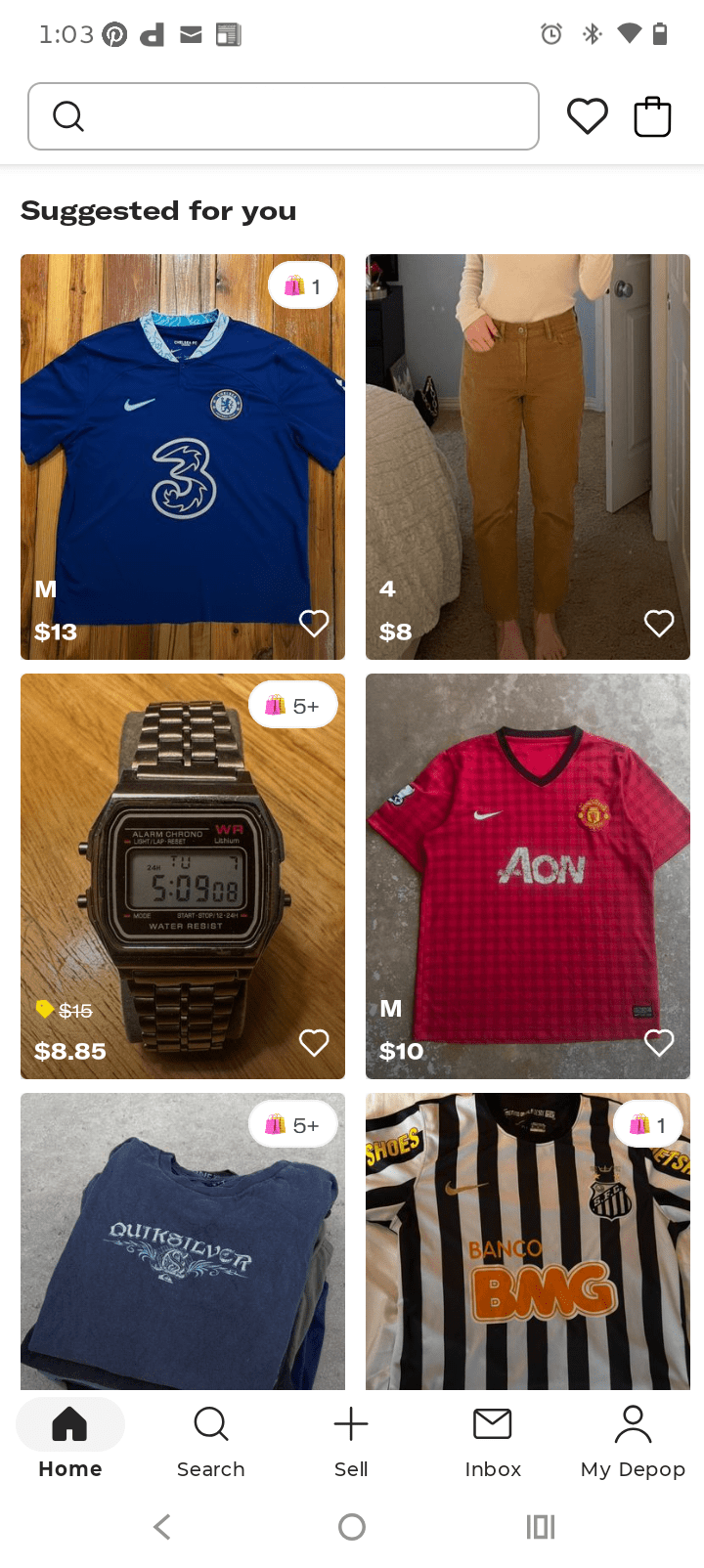
I recently sold this pair of shorts.
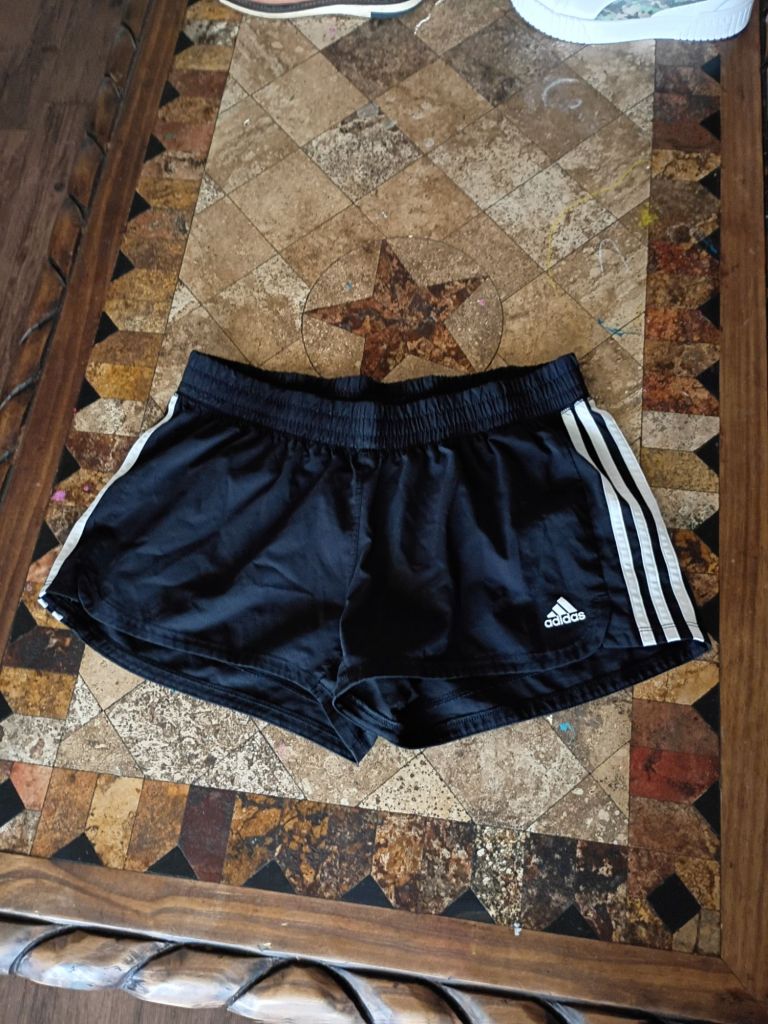
The process is very easy. The first step is listing the item on the app in your account. It’s very similar to making a post on IG.
Be prepared to provide information like:
- Size
- Condition
- Brand
- Color
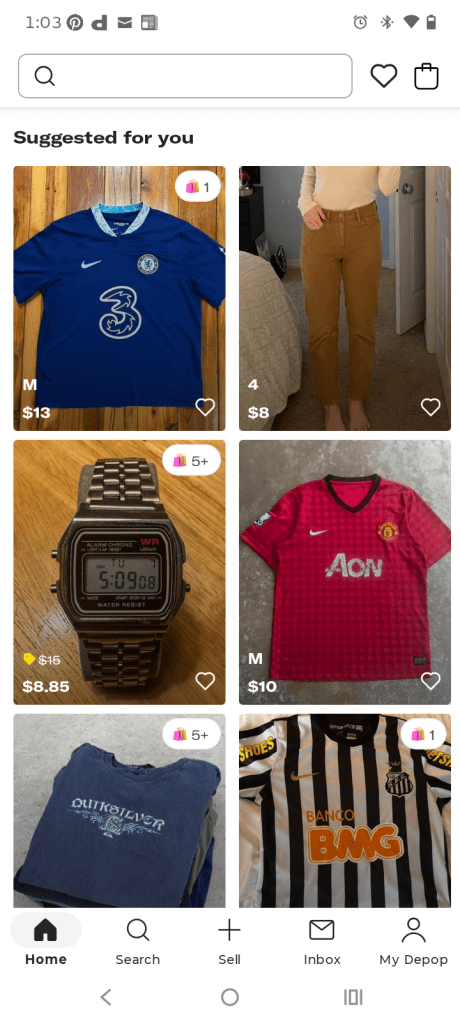
This is what the app looks like when you first open it.
In the bottom menu you’ll see the tab for selling, it’s the plus sign with the word sell under it. You click it and it will take you to this screen.
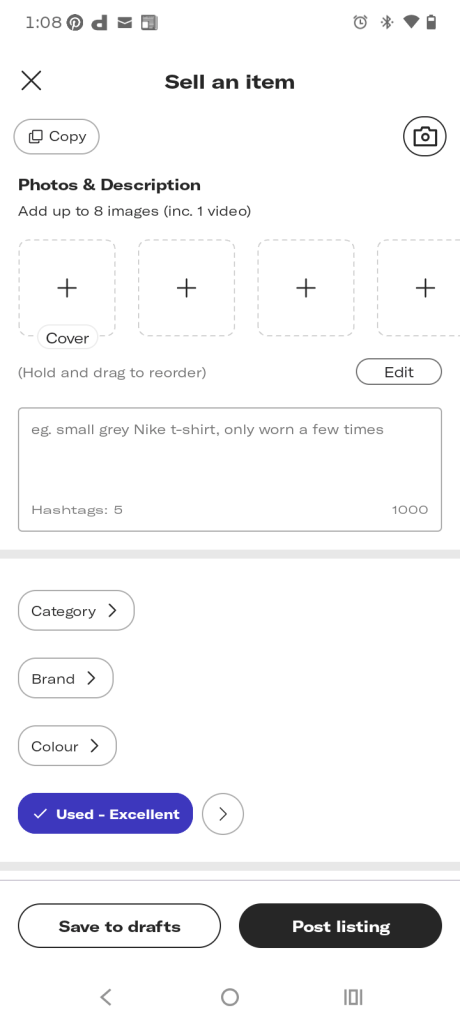
Depop has an AI description generator making it easy to describe your item based on the pictures you post. You get to choose whether to use the generated description or come up with yours.
And just like in social media, you can use hashtags and keywords to improve search engine results. Even more, you can boost your listings to make them appear on the top of search results.
Depop does charge boosting fees. These fees only apply if the buyer interacts with your boosted listing and purchases within 28 days. With that said, the organic listing stays active. Boosting adds an extra placement that helps teach more buyers
And there you have it, easy as one two three. For questions, comment below.

 My Depop